Green Pool Despite Chlorine: Why It's Not Working (And How to Actually Fix It)

Short answer: If your pool is still green after adding chlorine, more chlorine won't solve the problem. A green pool that doesn't respond to shock treatment is almost always caused by one of four underlying issues: pH that's too high and neutralizing your chlorine, over-stabilization from excess cyanuric acid (CYA), high phosphate levels feeding the algae, or inadequate filtration. This guide walks you through how to identify which one you're dealing with, and fix it in the right order.
Why Chlorine Stops Working
Chlorine is a conditional sanitizer. Its effectiveness depends entirely on the other parameters in your water. At pH 8.0, chlorine operates at less than 20% of its normal disinfecting power. In over-stabilized water, it can be almost completely inactivated, even at high doses.
What most pool owners do wrong:
- Shock the pool without checking pH first
- Use stabilized chlorine tablets (trichlor) as their only sanitizer all season, causing CYA to accumulate
- Never test for phosphates, despite them being the main driver of recurring algae
- Turn the filter off at night during treatment
What to do instead: test all your water parameters before any treatment, then correct them in the right order.
The 4 Root Causes, and How to Diagnose Them
Cause #1, pH Is Too High
| Parameter | Ideal Range | Critical Threshold |
|---|---|---|
| pH | 7.2 – 7.4 | Above 7.6: chlorine effectiveness drops sharply |
What's happening: Above pH 7.6, chlorine rapidly loses its sanitizing power. At pH 8.0, less than 20% of the chlorine in your water exists in its active form (hypochlorous acid, or HOCl). Algae thrive freely even when your chlorine reading looks fine on a test strip.
How to test: test strips, drop test kit, photometer, or a connected water analyzer.
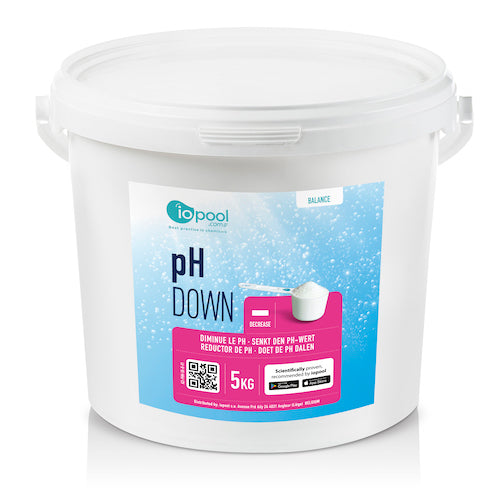
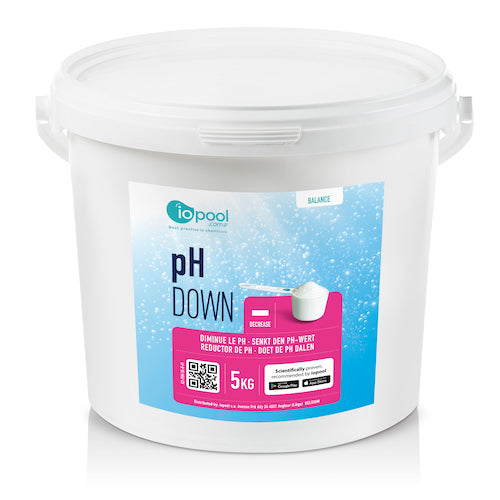
How to fix: add a pH decreaser (sodium bisulfate or muriatic acid). Always correct Total Alkalinity (TA) before adjusting pH, TA acts as a buffer that stabilizes pH levels.
Cause #2, Over-Stabilization (Too Much CYA)
| Parameter | Ideal Range | Critical Threshold |
|---|---|---|
| Cyanuric Acid (CYA) | 30 – 50 ppm | Above 75 ppm: chlorine is effectively neutralized |
What's happening: CYA protects chlorine from UV degradation, useful in small amounts. But unlike chlorine, CYA doesn't break down in water. It accumulates over the season, especially when trichlor tablets or stabilized shock are used. Above 75 ppm, CYA "locks up" your chlorine and renders it nearly inactive. Your test kit may show a normal chlorine reading, but it's not doing its job.
The vicious cycle: green water → add stabilized chlorine → CYA rises further → chlorine becomes even less effective → water stays green.
How to test: CYA-specific test strips or a photometer. Test at the start of each season and again mid-summer.
How to fix: there is no chemical that removes CYA from pool water. The only solution is to drain 30–50% of the pool and refill with fresh water. Then switch to unstabilized chlorine (calcium hypochlorite or liquid chlorine/sodium hypochlorite) until levels normalize.
Cause #3, High Phosphate Levels
| Parameter | Ideal Level | Critical Threshold |
|---|---|---|
| Phosphates | Below 100 ppb | Above 300 ppb: algae growth strongly encouraged |
What's happening: Phosphates are naturally present in pool water, they come in through rain, leaves, sunscreen, and tap water used to top off the pool. For algae, phosphates are essentially fertilizer. Even with perfect pH and correct chlorine levels, elevated phosphates allow algae to keep growing.
The trap: chlorine kills the algae, but dead algae release phosphates, which feed new algae. The water turns green again a few days after every treatment. If your pool keeps going green in cycles, phosphates are likely the culprit.
How to test: phosphate-specific test strips or a water analysis at your local pool store.
How to fix: use a phosphate remover, which binds phosphates and traps them in your filter. Clean the filter 24–48 hours after treatment.
Cause #4, Insufficient Filtration
| Parameter | Rule of Thumb | Hot Weather Exception |
|---|---|---|
| Filter run time | Water temp (°F) ÷ 2 = hours per day | Above 82°F: run 24/7 |
What's happening: filtration accounts for roughly 80% of pool maintenance effectiveness. A dirty filter, an undersized pump, or return jets pointed the wrong way create stagnant zones where algae grow undisturbed, out of reach of your sanitizer.
How to diagnose: calculate your current filter run time versus the rule above. Check filter pressure, high pressure usually means it needs backwashing.
How to fix: backwash your sand filter, check that return jets are aimed to circulate the entire pool, and run the filter continuously (24–48 hours non-stop) during any treatment period.
Quick-Reference: Pool Water Parameters
| Parameter | Ideal Range | Effect When Out of Range | How to Measure |
|---|---|---|---|
| pH | 7.2 – 7.4 | Above 7.6: chlorine becomes ineffective | Test strips, drop kit, connected analyzer |
| Total Alkalinity (TA) | 80 – 120 ppm | Too low: pH swings wildly / Too high: pH hard to adjust | Test strips, photometer |
| Free Chlorine | 1 – 3 ppm | Below 1: inadequate sanitation | Test strips, photometer |
| CYA (Stabilizer) | 30 – 50 ppm | Above 75: chlorine is neutralized | CYA-specific strips, photometer |
| Phosphates | Below 100 ppb | Above 300: algae proliferation | Phosphate-specific strips |
| ORP (Redox) | 650 – 750 mV | Below 600: sanitation insufficient | Connected water analyzer |
| Water Temp | 77 – 82°F | Above 82°F: chlorine degrades faster | Thermometer, connected analyzer |
Correction order matters: Total Alkalinity → pH → Phosphates → Chlorine. Fixing them out of sequence makes every treatment less effective.
Step-by-Step Treatment Protocol
Step 1, Mechanical Cleaning
Estimated time: 1–2 hours
- Skim leaves and debris off the surface
- Brush all walls and the floor vigorously to dislodge algae clinging to surfaces
- Empty and clean skimmer baskets
- Backwash your filter
Step 2, Test Everything
Estimated time: 15 minutes
Don't just check pH and chlorine. Measure all five parameters:
- pH
- Total Alkalinity
- Free Chlorine
- CYA (Cyanuric Acid)
- Phosphates
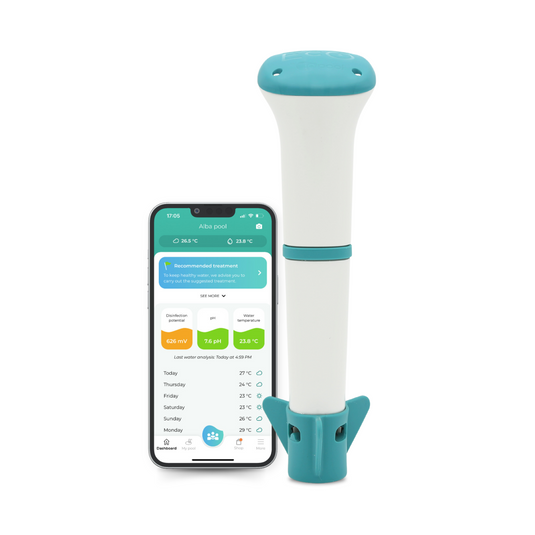
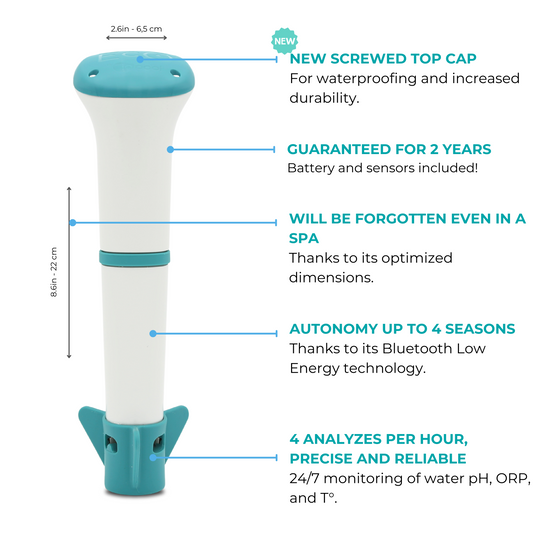
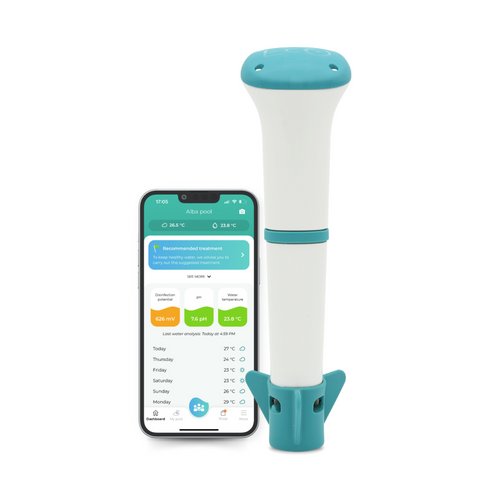
Recommended: use a connected pool analyzer like the iopool Eco Start to get accurate, real-time readings and clear recommendations sent straight to your phone, no guesswork, no manual calculations.
Step 3, Correct Total Alkalinity First
Wait 4–6 hours before adjusting pH
- TA below 80 ppm → add baking soda (sodium bicarbonate)
- TA above 120 ppm → aerate the water or dilute with fresh water
Step 4, Adjust pH
Wait 2 hours before continuing
- pH above 7.4 → add pH decreaser
- pH below 7.2 → add pH increaser
Do not move to the next step until pH is between 7.2 and 7.4.
Step 5, Treat Phosphates If Elevated
Allow 24 hours
- Add phosphate remover per product instructions
- Run filter continuously for 24 hours
- Backwash filter at the end of this step
Step 6, Shock the Pool
Run filter 24–48 hours non-stop
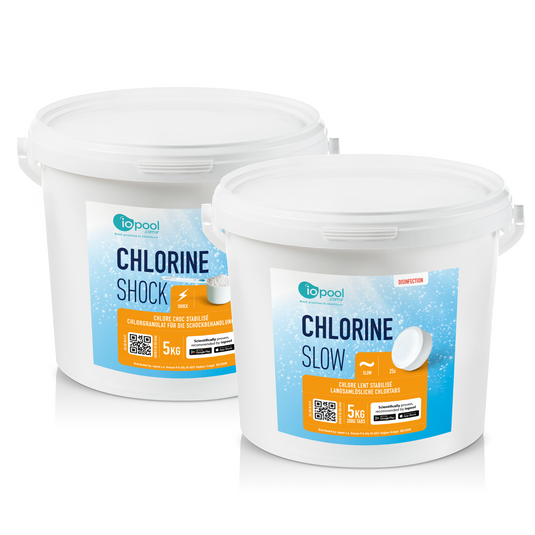
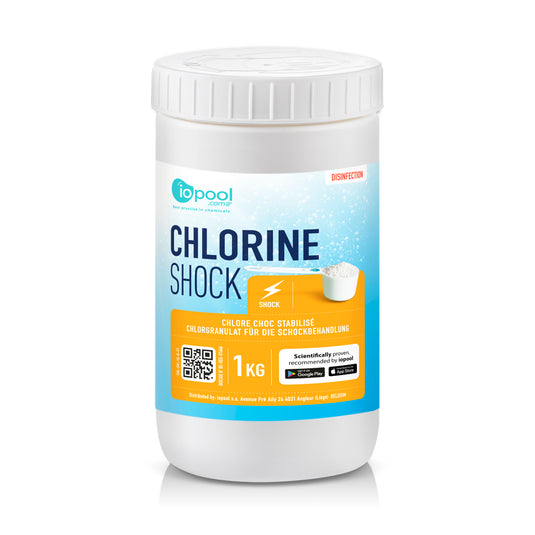
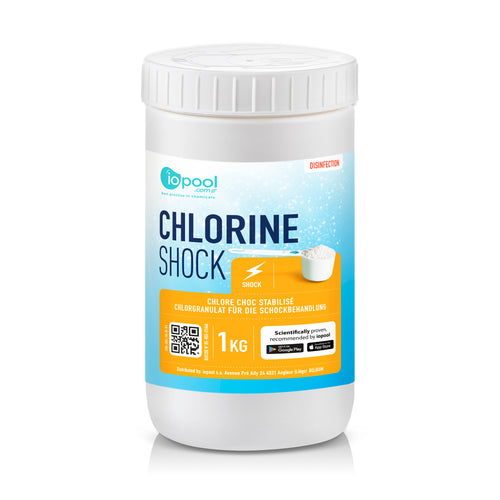
- Use unstabilized chlorine (calcium hypochlorite or liquid chlorine) if CYA is at or approaching 75 ppm
- Add shock in the evening to minimize UV degradation
- Pour near the return jets for maximum distribution
- Run the filter continuously, do not turn it off
- Backwash again mid-way if pressure rises
Step 7, Floc and Vacuum
Allow overnight
- Add liquid flocculant
- Switch filter to "recirculate" mode (bypasses filter media)
- Let it work overnight, fine particles sink to the bottom
- Vacuum to waste the next morning
What to Expect
| Timeframe | Normal Result |
|---|---|
| 24 hours | Water still cloudy but less green |
| 48 hours | Noticeable clearing |
| 72 hours | Water fully clear |
Still green after 72 hours? One of your parameters wasn't properly corrected. Go back to Step 2 and retest everything.
How to Prevent It From Coming Back
A cure is always more work, and more money, than prevention. Algae doesn't appear overnight: it builds silently over several days as water chemistry slowly drifts out of balance. By the time your pool looks green, the problem has been developing for a while.
Preventive Maintenance Schedule
| Frequency | Task |
|---|---|
| Twice a week | Test pH and free chlorine |
| Once a month | Test TA, CYA, and phosphates |
| Start of season | Full water analysis before first swim |
| After heavy rain or heavy use | Test and adjust immediately |
| Every year | Partial water drain to dilute accumulated CYA |
The key principle: act early, before the water changes color. A connected pool monitor like the iopool Eco Start measures pH, temperature, and ORP continuously and sends you a direct recommendation when something drifts, what to add, how much, and when. You move from reactive to proactive. No more shock treatments, no more wasted chemicals, no more green surprises before a weekend swim.
A pool that turns green is almost always a problem that was caught too late. Continuous monitoring means you fix a small imbalance before it becomes a visible one.
FAQ
Why is my pool still green even though my chlorine level is high?
High chlorine on a test strip doesn't mean it's working. If your pH is above 7.6 or your CYA is over 75 ppm, chlorine is present but largely inactive. Always test pH and CYA before drawing conclusions from your chlorine reading.
How long does it take to clear a green pool?
Following the full protocol, mechanical cleaning, parameter correction, shock treatment, and continuous filtration, most pools clear within 48 to 72 hours.
Is it safe to swim in a green pool?
No. Green water indicates active algae growth and potentially harmful bacteria. Don't swim until the water is visually clear and all parameters are back within range.
Why does my pool keep turning green a few days after I treat it?
This is the classic phosphate problem. Chlorine kills algae, but dead algae release phosphates, which feed the next generation. If your pool keeps cycling back to green, test your phosphate levels, this is almost certainly the root cause.
How do I know if my CYA is too high?
Use CYA-specific test strips or a photometer. The target range is 30–50 ppm. Above 75 ppm, your only option is to partially drain and refill the pool, there is no chemical fix for high CYA.
Can a connected pool analyzer actually prevent green water?
Yes, if you act on its recommendations consistently. A device like the iopool Eco Start monitors your water 24/7 and alerts you the moment a parameter starts drifting, well before algae has a chance to take hold. It's the difference between preventing a problem and scrambling to fix one.
What's the difference between stabilized and unstabilized chlorine?
Stabilized chlorine (trichlor tablets or dichlor granules) contains CYA, which protects chlorine from UV rays. Unstabilized chlorine (calcium hypochlorite, liquid chlorine) contains no CYA. If your CYA is already high, always use unstabilized chlorine to avoid making the problem worse.
Can metals cause a green pool even without algae?
Yes, though it's less common. Iron or copper in the water can oxidize and turn the water green immediately after adding chlorine, even in a freshly filled pool. In this case, the water turns green within minutes of shocking rather than gradually over days. The fix is a metal sequestrant, not an algaecide.
Pool still green after following this protocol? Drop your parameters in the comments, pH, CYA, phosphates, filter run time, and pool volume, and our team will help you track down the cause.
Compre los esenciales